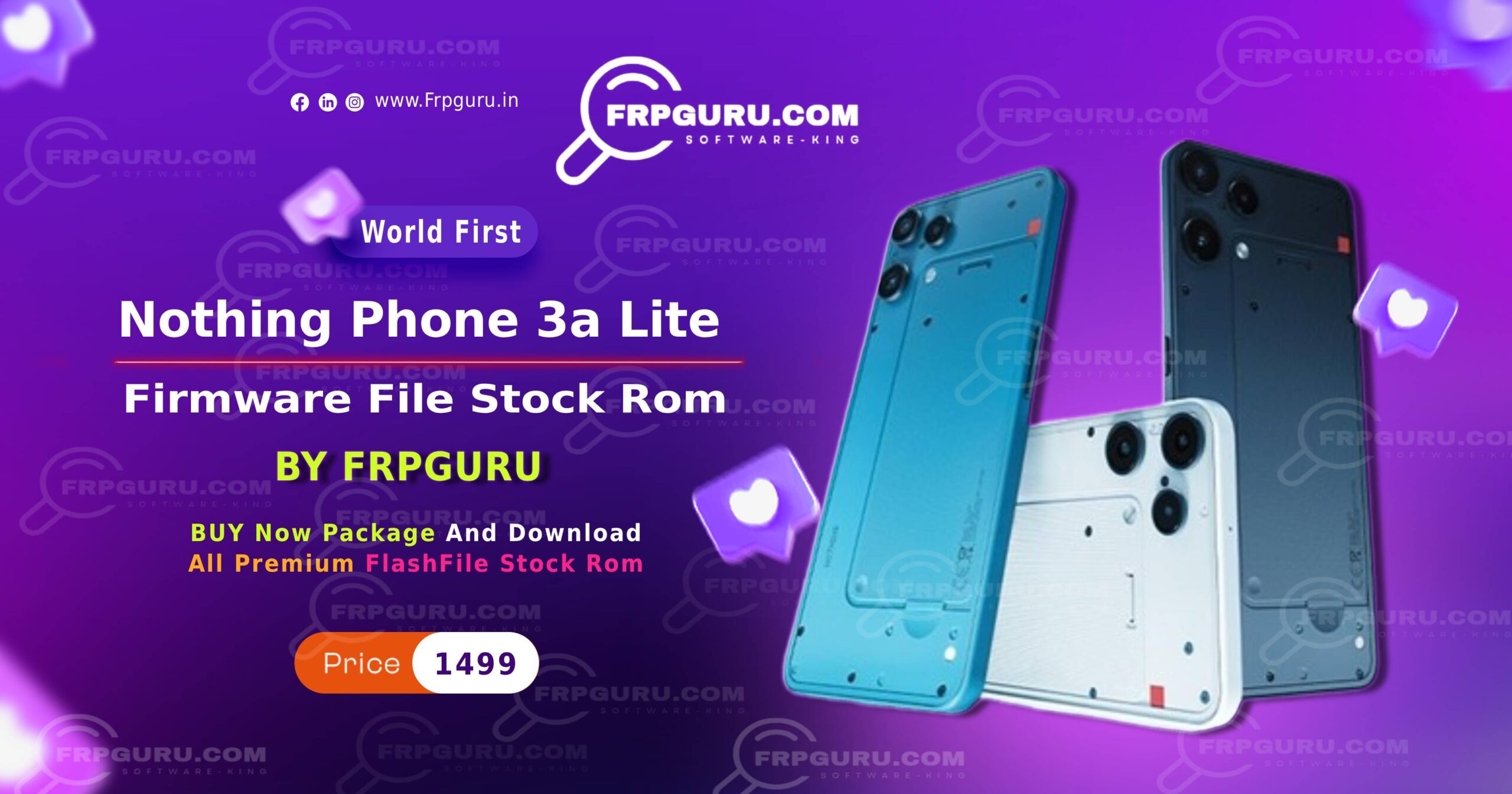
Are you facing a FRP lock or software issue on your Nothing 3a Lite? Don’t worry! This guide provides the latest Nothing Phone 3a Lite FRP Flash File (Stock ROM) so you can bypass FRP, fix software bugs, and restore your device safely. Step-by-step instructions make the process easy even for beginners.
Table of Contents
What is FRP Lock?
FRP (Factory Reset Protection) is a security feature on Android devices that prevents unauthorized access after a factory reset. If you forget your Google account credentials, you will be locked out unless you use a stock ROM flash file to bypass FRP.
Why You Need Nothing 3a Lite Stock ROM
Flashing the official stock ROM can help you:
-
Remove FRP lock
-
Fix software bugs and crashes
-
Unbrick a soft-bricked device
-
Upgrade or downgrade firmware
-
Restore the device to factory settings
⚠️ Warning: Using unofficial ROMs can permanently damage your phone. Always use official firmware.
Features of Nothing Phone 3a Lite FRP Flash File
-
Official and verified firmware
-
Compatible with all Nothing 3a Lite models
-
Supports FRP bypass and device unbricking
-
Stable Android version with full functionality
-
Free download without ads or malware
Download Nothing Phone 3a Lite Stock ROM
File Details:
-
Device: Nothing 3a Lite
-
File Type: Stock ROM / Firmware
-
FRP: Supported (Bypass possible)
-
File Size: [Insert File Size]
-
Android Version: [Insert Version]
-
Release Date: 2026
Download Link:
⬇ Download Nothing 3a Lite Pattern Unlock Flash File
(Whatsapp Only +9131162822) Contact Me For Online Unlocking And Remote Service Fix All Software Related Problem
How to Flash Stock ROM on Nothing Phone 3a Lite
Requirements:
-
Windows PC
-
USB Cable
-
SP Flash Tool / QFIL Tool / Official Flashing Tool
-
Latest Nothing 3a Lite Stock ROM
Steps:
-
Backup all important data.
-
Install USB drivers for Nothing 3a Lite on your PC.
-
Launch SP Flash Tool / QFIL.
-
Load the Nothing 3a Lite Stock ROM in the tool.
-
Connect your device to the PC via USB.
-
Click Download / Flash and wait until it’s complete.
-
Reboot your phone. Done!
✅ Your device should now be FRP-free and restored to factory settings.
Precautions Before Flashing
-
Always backup your data.
-
Use only official stock ROM.
-
Ensure battery is at least 50%.
-
Flash on a stable PC to avoid interruptions.
Conclusion
Flashing the Nothing Phone 3a Lite FRP Flash File is the easiest way to bypass FRP, fix software issues, and restore your device safely. Follow the instructions carefully, and your phone will be back to its original state in no time.
Donwload Nothing Phone 1 Flash FIle (Stock Rom)