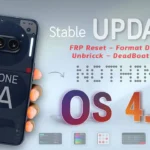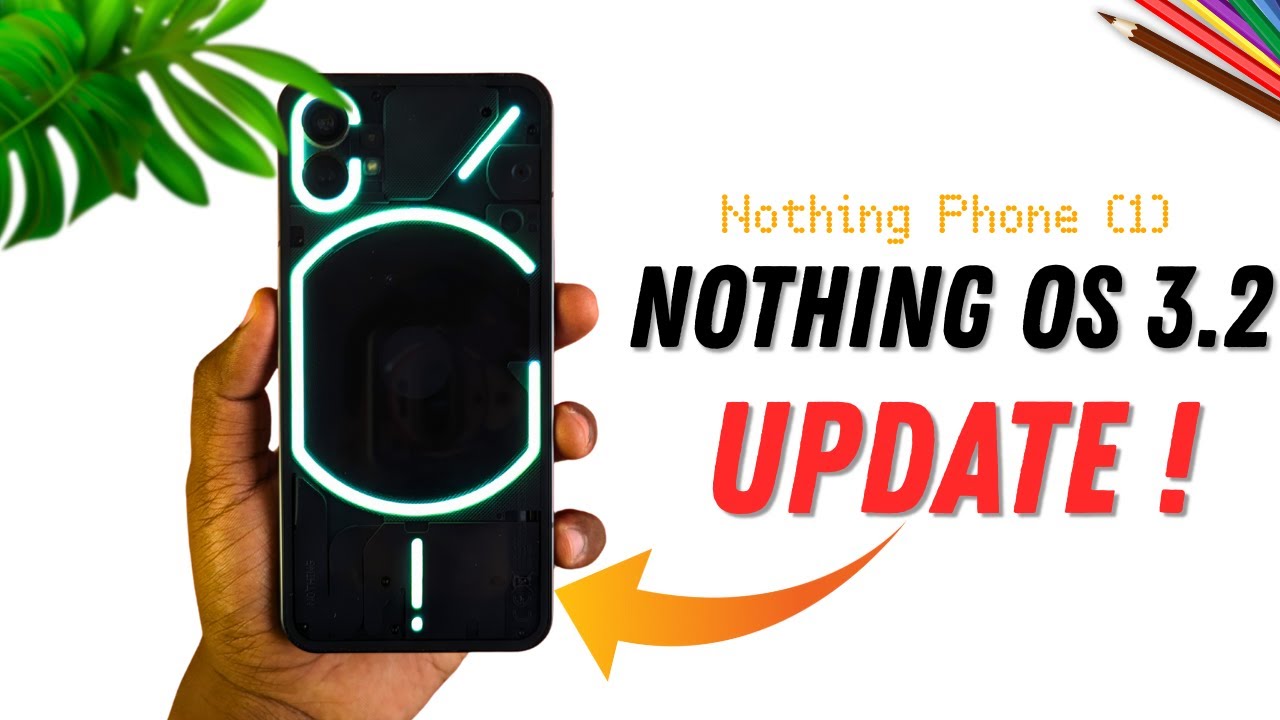
Are you searching for the Nothing Phone 1 (OS 3.2) Latest FRP Flash File (Stock ROM)? You’re in the right place! This official firmware package is ideal for:
-
Updating your Nothing Phone 1 to OS 3.2
-
Safely removing FRP lock from your own device
-
Fixing boot loops, system crashes, or software glitches
-
Restoring your phone to official factory firmware
Flashing the correct stock ROM ensures your phone works like new, without risking permanent damage.
📱 What is Nothing Phone 1 OS 3.2?
Nothing OS 3.2 is the latest stable firmware for Nothing Phone 1. It brings:
-
Performance improvements for smoother operation
-
Bug fixes for system crashes and app errors
-
Security updates to protect your device
-
New features including UI enhancements and improved camera functionality
Updating to OS 3.2 keeps your phone secure and ensures compatibility with the latest apps.
🧠 Why Use the FRP Flash File & Stock ROM?
The FRP Flash File serves several important purposes:
-
Remove FRP Lock: Factory Reset Protection prevents unauthorized access after a reset. This file safely removes FRP from devices you own.
-
Unbrick Your Device: Fix phones stuck in boot loops or hard-bricked due to failed updates.
-
Restore Official Firmware: Downgrade or reinstall official OS 3.2 for stability and security.
-
Repair System Issues: Resolve crashes, app errors, or corrupted software.
⚠️ Important: Only use FRP flash files on phones you own. Using them on someone else’s device is illegal.
📥 Download Nothing Phone 1 OS 3.2 FRP Flash File (Stock ROM)
Here’s a verified source for the official firmware:
| File Type | Version | Size | Download Link |
|---|---|---|---|
| Stock ROM + FRP Flash File | OS 3.2 | 3.2 GB | Download Official OS 3.2 FRP File |
(Whatsapp Only +9131162822) Contact Me For Online Unlocking And Remote Service Fix All Software Related Problem
🔧 How to Flash Nothing Phone 1 OS 3.2 Stock ROM
Follow these step-by-step instructions carefully:
✅ Prerequisites
-
Backup all data (flashing erases everything)
-
Charge your phone to at least 50%
-
Install Nothing Phone 1 USB drivers on your PC
🛠 Flashing Steps
-
Extract the downloaded firmware to a folder on your PC.
-
Open your flashing tool (Edl/Nothing Flash Tool).
-
Connect your Nothing Phone 1 to the PC via USB cable.
-
Load the firmware files into the tool.
-
Select the correct flashing mode (Fastboot/EDL).
-
Click Flash / Start / Download and wait until completion.
-
Reboot your device — your Nothing Phone 1 will now run OS 3.2.
📌 Tip: Follow the flashing guide carefully. Using the wrong method or file can permanently damage your phone.
❓ FAQs
Q1: Is the OS 3.2 flash file safe?
✔ Yes, the OS 3.2 firmware is official and widely tested.
Q2: Will flashing erase my data?
📌 Yes — always backup before flashing.
Q3: Can I unbrick my phone with this file?
✔ Yes, flashing the official stock ROM typically fixes boot loops or bricked phones.
Q4: Do I need developer tools to flash?
✔ Yes, you need tools like Fastboot, SP Flash Tool, or QFIL depending on your device mode.
🛡️ Safety Tips Before Flashing
-
Use official or trusted sources only
-
Verify your firmware version matches your phone model
-
Backup your data
-
Follow flashing instructions carefully
Related Posts:
Nothing Phone 3a Lite Flash File Stock ROM Unbrick File Download
🚀 Conclusion
The Nothing Phone 1 (OS 3.2) Latest FRP Flash File (Stock ROM) is the safest way to update, unbrick, or remove FRP from your device. By using official firmware and following the guide above, you can restore your phone to full functionality without risk.