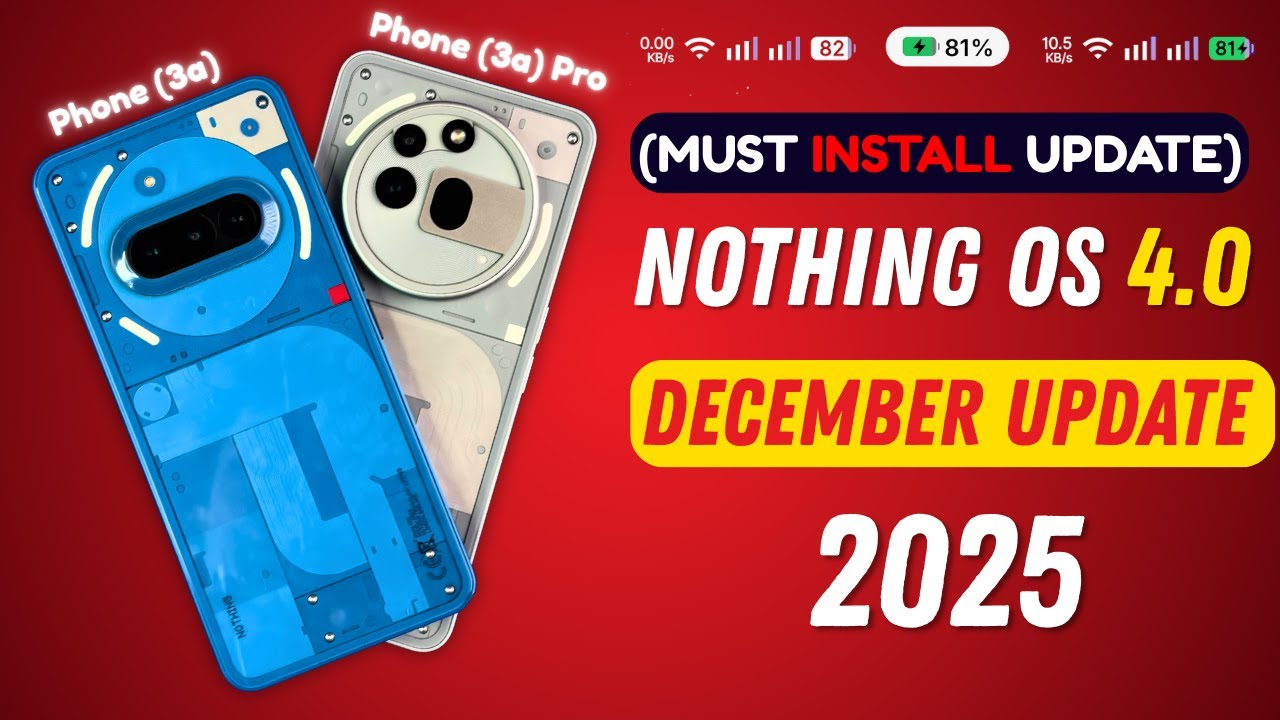
If you are looking for the Nothing Phone 3a & Nothing Phone 3a Pro FRP Flash File or official Stock ROM for Nothing OS 4.0 based on Android 16, you are in the right place. In this guide, you can download the latest firmware and learn how to flash it safely on your device.
This firmware helps you:
-
Fix FRP lock (Google account verification)
-
Unbrick your Nothing Phone 3a / 3a Pro
-
Fix bootloop or stuck on logo
-
Repair software issues
-
Restore to factory condition
-
Upgrade or downgrade Nothing OS
📱 Device Information
-
Device Name: Nothing Phone 3a
-
Model: 3a / 3a Pro
-
OS Version: Nothing OS 4.0
-
Android Version: Android 16
-
File Type: Official Stock ROM / FRP Flash File
-
Chipset: Qualcomm (Expected)
📥 Download Nothing Phone 3a & 3a Pro FRP File Stock ROM (Nothing OS 4.0 Android 16)
⚠️ Always download firmware according to your exact model number.
Firmware Includes:
-
Boot.img
-
System.img
-
Vendor.img
-
Recovery.img
-
FRP Unlock File
-
Flash Tool Compatible Files
(Nothing Phone 3a & 3a Pro Stock ROM (Nothing OS 4.0 Android 16)
(Whatsapp Only +9131162822) Contact Me For Online Unlocking And Remote Service Fix All Software Related Problem
🔧 How to Flash Nothing Phone 3a & 3a Pro FRP File Stock ROM
Requirements:
-
Windows PC / Laptop
-
USB Cable
-
Qualcomm USB Drivers
-
QFIL / Fastboot Tool
-
Charged device (50%+)
Flashing Steps (Fastboot Method):
-
Extract the downloaded firmware file.
-
Install Qualcomm USB drivers.
-
Boot your device into Fastboot Mode
(Power + Volume Down) -
Connect phone to PC.
-
Open Command Prompt in firmware folder.
-
Enter the following commands:
🔓 How to Remove FRP Lock (Google Account)
If your device is stuck on Google verification after reset:
-
Flash the official firmware.
-
Or use FRP unlock tool via Fastboot/EDL mode.
-
Make sure OEM Unlock is enabled (if possible).
⚠️ FRP bypass should only be used on your own device.
⚡ Common Issues Fixed
-
Device stuck on Nothing logo
-
Dead boot repair
-
Pattern/password forgotten
-
After OTA update bootloop
-
System crash
-
Software downgrade problem
📌 Important Notes
-
Flashing will erase all data.
-
Always backup before flashing.
-
Use correct firmware for your region.
-
Do not disconnect USB during flashing.
-
We are not responsible for any damage.
Downloading and flashing the official Nothing Phone 3a & 3a Pro FRP File Stock ROM Nothing OS 4.0 Android 16 is the best solution to fix software issues and remove FRP lock safely. Always use official firmware and follow instructions carefully.