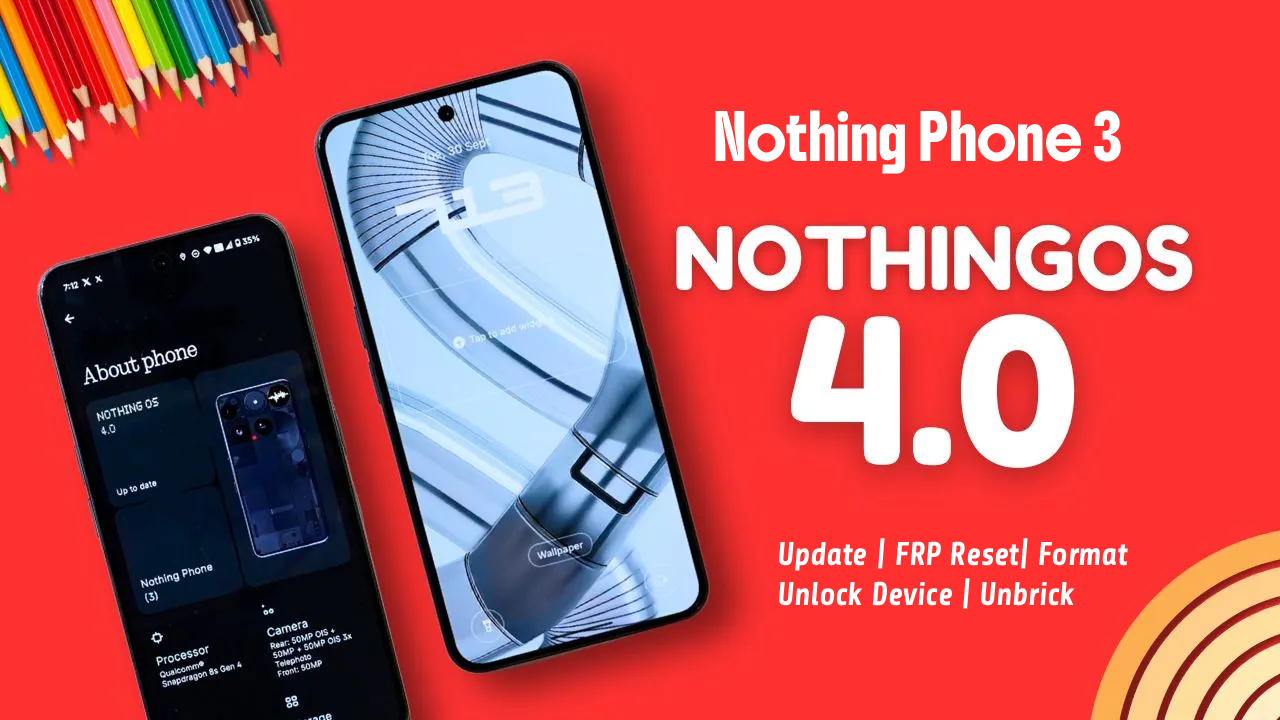
If you are looking for the Nothing Phone 3 Latest (4.0 OS) FRP Remove Flash File (Android 16), you are in the right place. On this page, you can download the latest official stock firmware and learn how to restore your device safely using authorized flashing methods.
The official firmware helps fix:
-
Google account verification (FRP lock)*
-
Bootloop or stuck on logo
-
System crash or software bugs
-
Slow performance after update
-
Corrupted system files
-
Device not powering on properly (software related)
*FRP (Factory Reset Protection) can only be removed by entering the previously synced Google account or through official authorized service procedures.
📱 Firmware Information
-
Device: Nothing Phone 3
-
OS Version: Nothing OS 4.0
-
Android Version: Android 16
-
File Type: Official Stock ROM / Flash File
-
Chipset: (Confirm exact model variant before download)
-
Status: Latest Available Build
📥 Download Nothing Phone 3 Latest (4.0 OS) Stock ROM
⚠ Always download firmware that exactly matches your model number and region.
You should download firmware only from:
-
Official Nothing support website
-
Authorized service portals
-
Trusted firmware hosting platforms
Nothing Phone 3 Latest (4.0 OS) FRP Remove Flash File (Android 16)
(Whatsapp Only +9131162822)Contact Me For Online Unlocking And Remote Service Fix All Software Related Problem
Avoid modified or unofficial firmware files, as they may damage your device or compromise security.
🔧 What Is FRP Lock?
FRP (Factory Reset Protection) is a security feature introduced by Google in Android devices.
It automatically activates when:
-
A Google account is added to the device
-
The device is factory reset without removing the account
This protects your phone from unauthorized access.
If you forgot your Google account details, you must:
-
Recover your Google account via Google Account Recovery
-
Visit an authorized Nothing service center with proof of purchase
🛠 How to Flash Nothing Phone 3 Latest (4.0 OS) Official Firmware
Flashing official firmware can help restore your system to factory condition.
Basic Requirements:
-
Windows PC / Laptop
-
Official Nothing USB Drivers
-
Original USB Cable
-
Official Flash Tool (if provided by manufacturer)
-
Correct firmware file for your variant
General Flashing Process:
-
Install required USB drivers
-
Extract the firmware package
-
Launch the official flashing tool
-
Load firmware file
-
Connect powered‑off device in flash mode
-
Start flashing process
-
Wait until completion
-
Reboot device
⚠ Flashing will erase all data from your device.
🔒 Important FRP Notice
Removing FRP without the original Google account may violate device security policies.
Always use legitimate recovery methods:
-
Google account recovery page
-
Official service support
-
Proof of ownership verification
Unauthorized tools or unofficial bypass methods may:
-
Brick your device
-
Void warranty
-
Cause permanent data loss
-
Create security risks
❓ Frequently Asked Questions
Q1: Does flashing stock ROM remove FRP?
Not always. FRP is linked to Google account security. Official account verification may still be required.
Q2: Is this firmware official?
Yes, always use official Nothing OS 4.0 firmware builds for stability and security.
Q3: Will flashing fix bootloop?
Yes, if the issue is software-related.
Q4: Can I downgrade Android 16?
Downgrading depends on bootloader policy and firmware availability.
Related Post :
- Lava Yuva 5G (LXX510) Latest FRP Lock Remove File SPD | Download
- CMF Phone 2 Pro OS 4.0 Android 16 FRP Remove Flash File Stock ROM Official Firmware
- Nothing Phone 1 (OS 3.2) Latest FRP Flash File (Stock ROM)
- Nothing Phone 3a Lite FRP Flash File (Stock ROM)
- Internet Download Manager (IDM) 6.42.58 Lifetime Pre-Activated License
- Ai+ Pulse 1 Latest FRP Lock Remove (official Flash File) Stock Rom
- Nothing Phone 3 Latest (4.0 OS) FRP Remove Flash File (Android 16)
- Nothing Phone 2a Plus FRP Remove Flash File (Stock ROM OS 4.0)