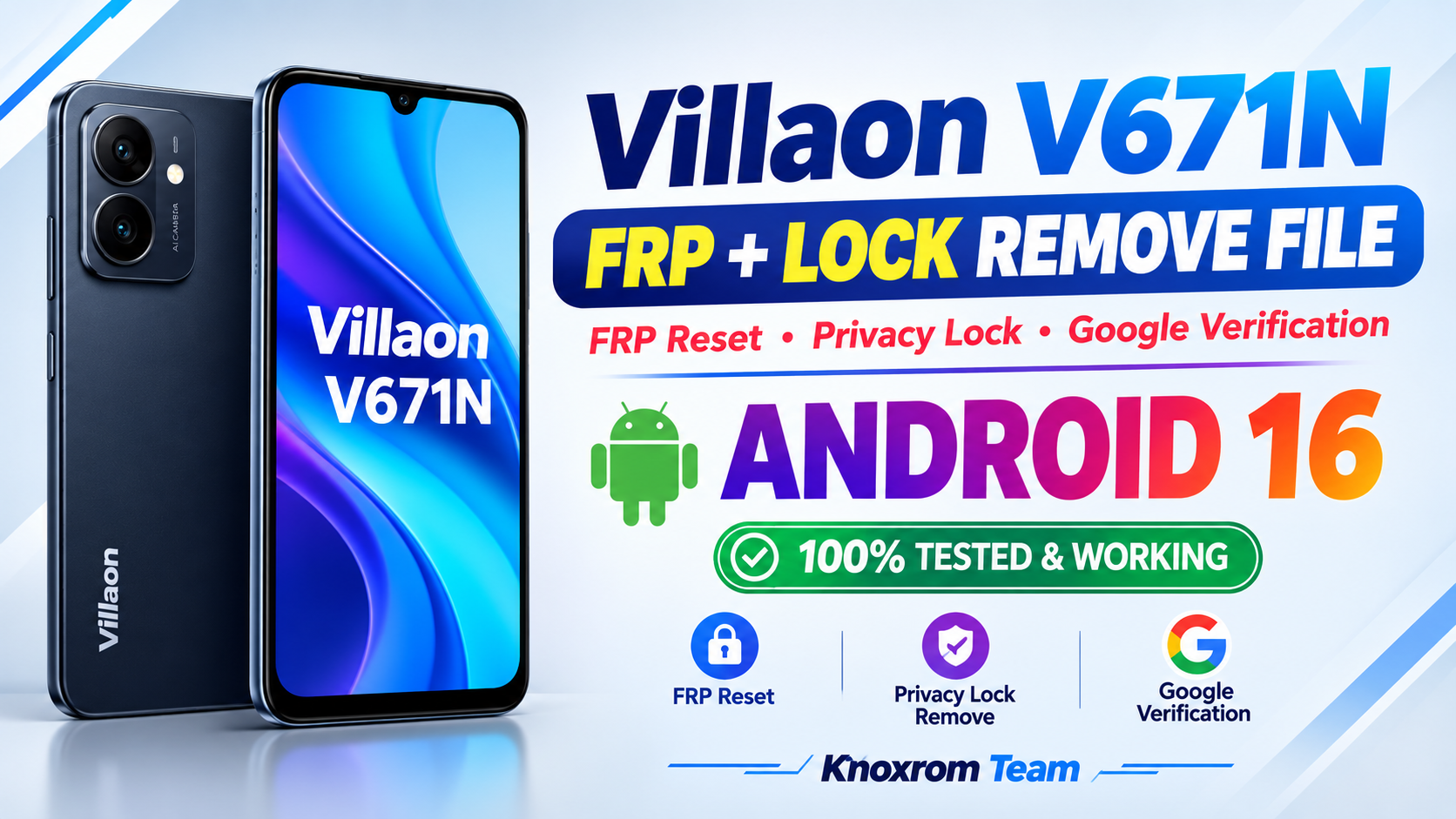
Download Villaon V671N FRP + Lock Remove File | Android 16 | 100% Tested & Working used this file for remove google account privacy logck gmail verifications this is official frp remove modify file
What Is FRP Lock?
FRP (Factory Reset Protection) is a security feature Google introduced to protect your data if your device is lost or stolen. After a factory reset, the phone asks for the previously synced Google account. If you don’t have those credentials, the device stays locked — that’s where the Villaon V671N FRP remove file comes in.
Download Villaon V671N FRP + Lock Remove File (Android 16)
Download Link – Villaon V671N FRP File Android 16
| Feature | Details |
|---|---|
| Device | Villaon V671N |
| Android Version | Android 16 |
| File Type | FRP + Lock Remove File |
| Status | 100% Tested & Working |
| Size | 18.MB |
| File Password | No Password |
(Whatsapp Only +9131162822) Contact Me For Online Unlocking And Remote Service Fix All Software Related Problem
Villaon V671N FRP Remove File-Requirements Before You Start
-
Villaon V671N with Android 16
-
A Windows PC (Windows 7/8/10/11)
-
Original USB cable
-
Latest USB drivers installed
-
The FRP remove file downloaded and extracted
-
Stable internet connection
-
Battery charged above 50%
How to Remove FRP Lock on Villaon V671N (Step-by-Step)
-
Extract the downloaded FRP + lock remove file on your PC.
-
Install the required drivers for your Villaon V671N.
-
Power off the device completely.
-
Connect the phone to the PC using the original USB cable.
-
Open the FRP tool/file from the extracted folder.
-
Select the correct model (Villaon V671N) and Android 16 option.
-
Click Start/Remove FRP and wait for the process to complete.
-
Disconnect the device once you see the success message.
-
Reboot the phone — the Google verification screen should now be gone.
Troubleshooting Tips
-
Device not detected? Reinstall USB drivers and try a different USB port.
-
Process fails midway? Disable antivirus temporarily and run the tool as administrator.
-
Still stuck on FRP screen? Repeat the steps and make sure you selected Android 16 in the tool.
-
Bootloop after unlock? Perform a factory reset from recovery, then reboot.
FAQ
Is this Villaon V671N FRP file safe?
Yes — it has been tested on multiple units running Android 16 and confirmed working. Scan with your antivirus before use as a precaution.
Does this work on other Android 16 phones?
This file is specifically built for the Villaon V671N. Using it on other models may not work and could cause issues.
Will removing FRP delete my data?
FRP removal itself doesn’t restore data, but a factory reset (which usually precedes FRP) wipes the device.
Is FRP bypass legal?
Only use FRP removal on devices you own or are authorized to service. Bypassing FRP on someone else’s device is illegal.
Final Words
This Villaon V671N FRP + Lock Remove File for Android 16 is a reliable, tested solution for getting past the Google lock screen. Follow the steps carefully, use original cables and drivers, and you should be back into the device in minutes. Bookmark this page for future updates.
Related Searches: Villaon V671N FRP bypass, Android 16 FRP unlock file, Villaon V671N lock remove tool, FRP remove file 2025, Villaon V671N Google account bypass