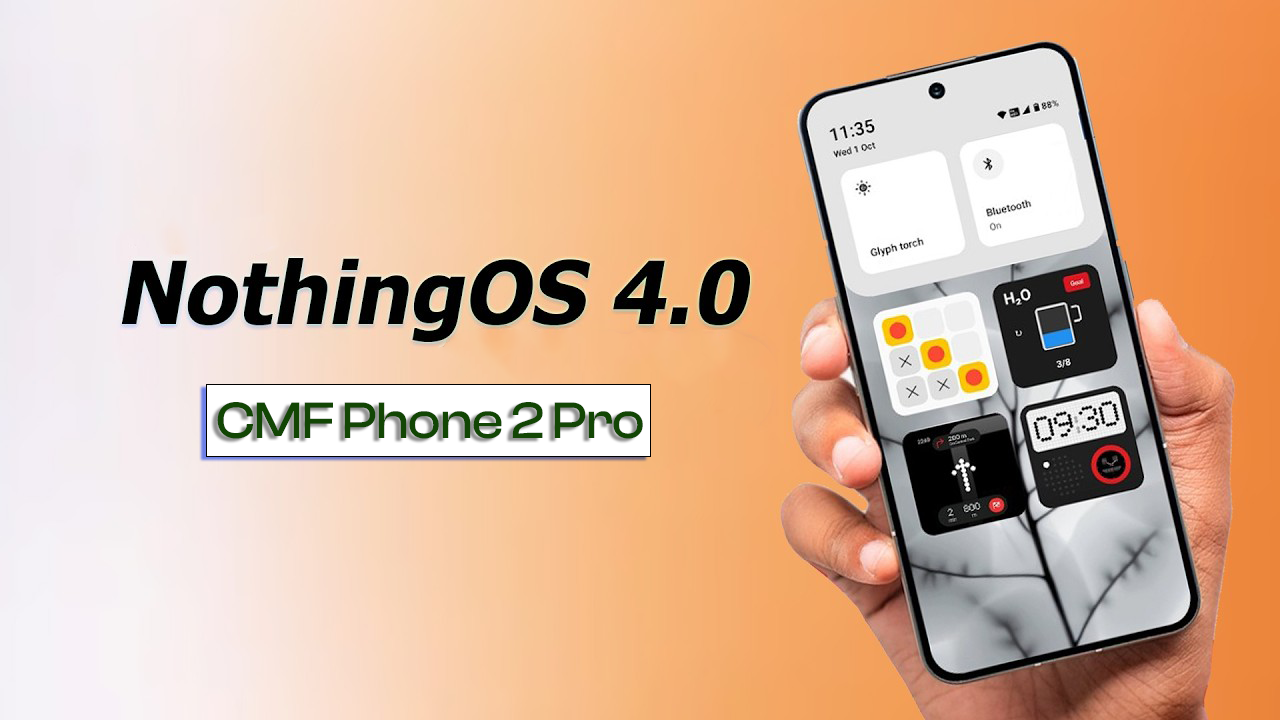
Are you searching for the official CMF Phone 2 Pro firmware that includes the latest OS 4.0 Android 16 stock ROM and FRP remove flash file? You’re in the right place! This guide provides the official firmware, FRP bypass solution, download links, and a step-by-step flashing tutorial using SP Flash Tool.
This firmware package helps you to:
✅ Remove FRP (Google Account Lock)
✅ Fix software issues (bootloop, crashing, lag)
✅ Restore stock firmware
✅ Unbrick your CMF Phone 2 Pro
✅ Upgrade or re-install OS 4.0 Android 16 properly
📄 Firmware & Flash File Information
| Parameter | Details |
|---|---|
| Model Name | CMF Phone 2 Pro |
| OS Version | OS 4.0 |
| Android Version | Android 16 |
| Firmware Type | Official Stock ROM |
| File Format | Flash File Pack |
| FRP Remove File | Included |
| Flash Tool | Nothing Flash Tool |
| Compatibility | CMF Phone 2 Pro Only |
| Status | Official & Stable |
📥 Download Official CMF Phone 2 Pro Firmware & Flash Files
👉 Official CMF Phone 2 Pro OS 4.0 Android 16 Flash File
(Whatsapp Only +9131162822) Contact Me For Online Unlocking And Remote Service Fix All Software Related Problem
🧰 Required Tools Before Flashing
✔ Windows PC/Laptop
✔ Official Flash File & Firmware
✔ SP Flash Tool
✔ MediaTek USB Drivers
✔ USB Data Cable
✔ Charged Phone (Battery > 50%)
🔧 How to Flash CMF Phone 2 Pro Official Firmware
Follow the steps carefully to avoid errors:
✅ Step 1: Install MediaTek USB Drivers
Install MTK USB Drivers on your computer for device recognition.
✅ Step 2: Extract Downloaded Files
Right-click and extract the flash file and stock ROM folders.
✅ Step 3: Launch SP Flash Tool
Run SP Flash Tool as Administrator.
✅ Step 4: Load Scatter File
Click Choose → Navigate to the extracted folder → Select the scatter file.
✅ Step 5: Select Flash Option
Make sure all partitions are checked or choose only needed ones.
✅ Step 6: Start Flashing
Click Download in SP Flash Tool.
✅ Step 7: Connect Phone
• Power off your CMF Phone 2 Pro
• Connect to PC via USB cable
Flashing will begin automatically.
✅ Step 8: Wait for Success
Once complete, you’ll see a green check mark (✔ Success). Disconnect and reboot your device.
🔓 How to Remove FRP (Google Lock) on Android 16
To remove FRP lock:
-
Load the FRP-only scatter file in SP Flash Tool.
-
Select FRP partition only.
-
Click Download.
-
Connect phone (switched off).
-
Wait until flashing completes.
-
Reboot — FRP is now removed.
📍 Why This Official Firmware is Important
✔ Official & Verified firmware
✔ Compatible with Android 16
✔ Supports FRP removal
✔ Fixes bootloop & crash issues
✔ Retains network & IMEI functionality
✔ Supports future OTA (if available)
⚠ Important Notes Before Flashing
📌 Flashing may erase your data — backup first
📌 Use the exact firmware for CMF Phone 2 Pro
📌 Wrong firmware can brick your device
📌 Flash at your own risk
🧠 Tips for Successful Flashing
✅ Disable antivirus before flashing
✅ Use original USB cable
✅ Don’t interrupt the process
✅ Charge your device above 50%
📢 Final Summary
You now have the official CMF Phone 2 Pro OS 4.0 Android 16 FRP Remove Flash File + Stock ROM Official Firmware with a full download and installation guide. This package is your best solution for bypassing FRP, restoring stock software, fixing software errors, and returning your device to perfect working condition.
✨ Bookmark this page for future firmware updates!